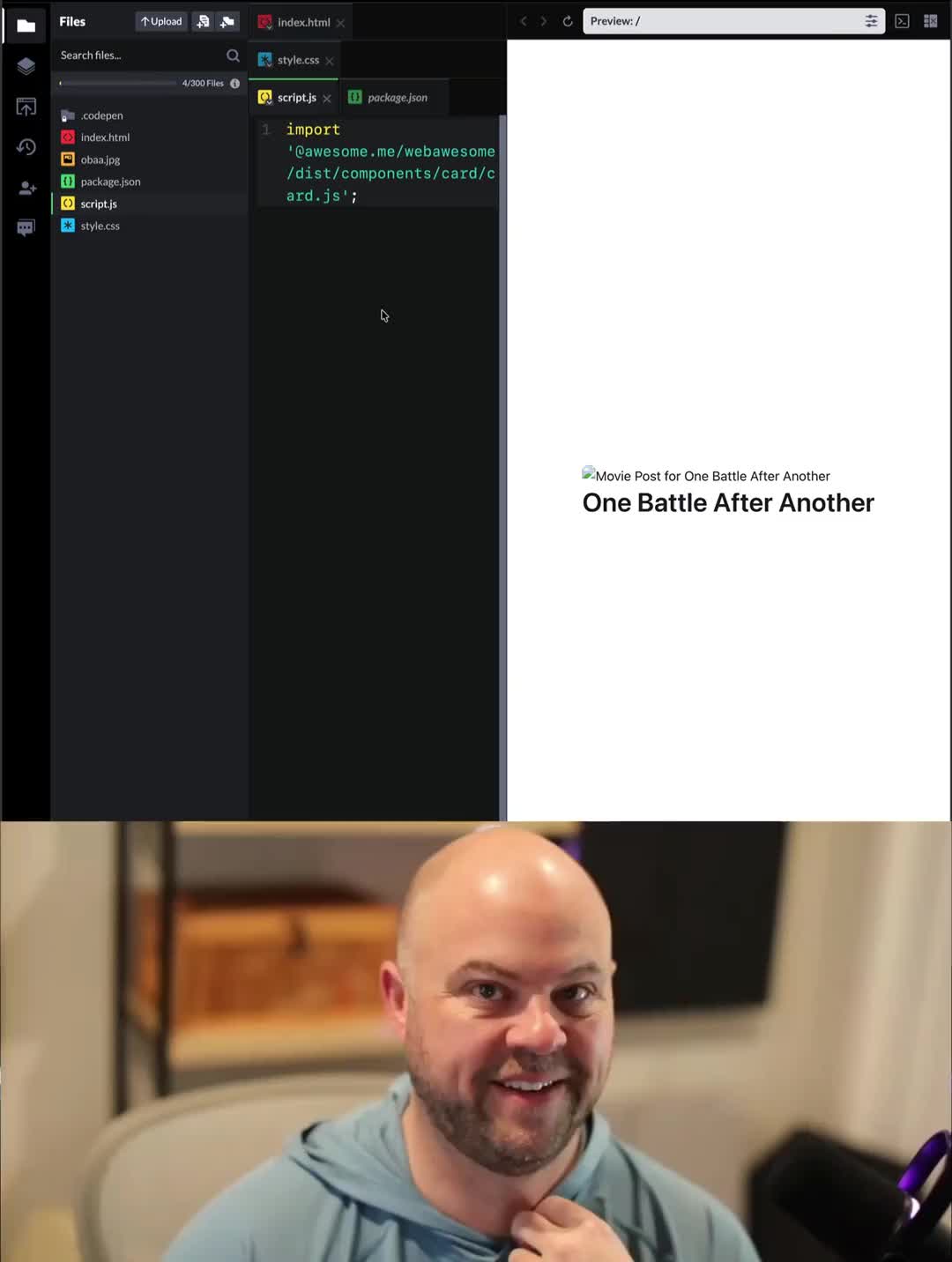
Back Build Awesome Pro to help us add superpowers to your static site: https://www.kickstarter.com/projects/fontawesome/build-awesome-pro?ref=15qir9
Build Awesome 55 replies 1616 likes2121 reposts66 quotes Original on Mastodon
A versioned archive of posts from Bluesky, Mastodon, GitHub, npm, YouTube, Hacker News, and blogs. See the most popular posts.
Last built .
| Since | posts | replies | likes | reposts and quotes | views | |
|---|---|---|---|---|---|---|
| Bluesky | 670 | 761 | 4,245 | 920 | ||
| Mastodon | 358 | 509 | 2,144 | 930 | ||
| npm | 56 | 465 | 889,066,549 | |||
| YouTube | 31 | 847 | 28,872 | |||
| Blog | 63 | |||||
| Podcast | 93 | |||||
| Hacker News | 6 | 311 | 384 | |||
| All | 1,430 | 1,581 | 7,620 | 1,850 | 889,095,421 |
Back Build Awesome Pro to help us add superpowers to your static site: https://www.kickstarter.com/projects/fontawesome/build-awesome-pro?ref=15qir9
Back Build Awesome Pro to help us add superpowers to your static site: www.kickstarter.com/projects/fon...
Build Awesome Pro
A better way to build web sites. Fast, flexible, and built to last.
Backed our first go-round? You’re the real MVP 💙
Kickstarter can’t transfer pledges, so you’ll need to back again—but we’ve got a little something special waiting for you.
Keep an eye out for the Kickstarter message when the new campaign goes live 👀
We’re back! 🎉
Build Awesome is live on Kickstarter—our new website platform: fast by default, built to last, and free at the core.
A calmer, sturdier way to build for the web.
Back it → https://www.kickstarter.com/projects/fontawesome/build-awesome-pro?ref=7x7jqd 🚀
Launching in 230000 milliseconds: https://www.kickstarter.com/projects/fontawesome/build-awesome-pro?ref=43ttgb
We’re rethinking what a website builder should feel like—less rigid templates, more freedom to create something truly yours.
Build Awesome is our take: a flexible builder that adapts to your workflow (not the other way around).
Relaunching on Kickstarter tomorrow. 🚀
https://www.kickstarter.com/projects/fontawesome/build-awesome-pro
Low level utility to perform build-time image transformations.
As `sizes="auto"` starts to ship in more web browsers, take note that Image v6.0 is already ready for it (when using `loading="lazy"`) https://github.com/11ty/eleventy-img/issues/207
A campaign so nice, we're launching it twice.
We're relaunching Build Awesome—a website builder made for the way you actually work. Fast, flexible, and powered by the icons, tools, and workflows you already love.
April 28. Kickstarter. Be there. 🎈
https://blog.fontawesome.com/build-awesome-game-on/
New Pod just shipped 🚀
We took AI tools for a spin at Snuggle—now Travis & Dave break down what worked, what’s tricky, and what’s next.
Watch → https://youtu.be/8mSH8TpuZBU?si=QQRjRABhZcZ9veua
Listen → https://www.buzzsprout.com/2092855/episodes/19065993
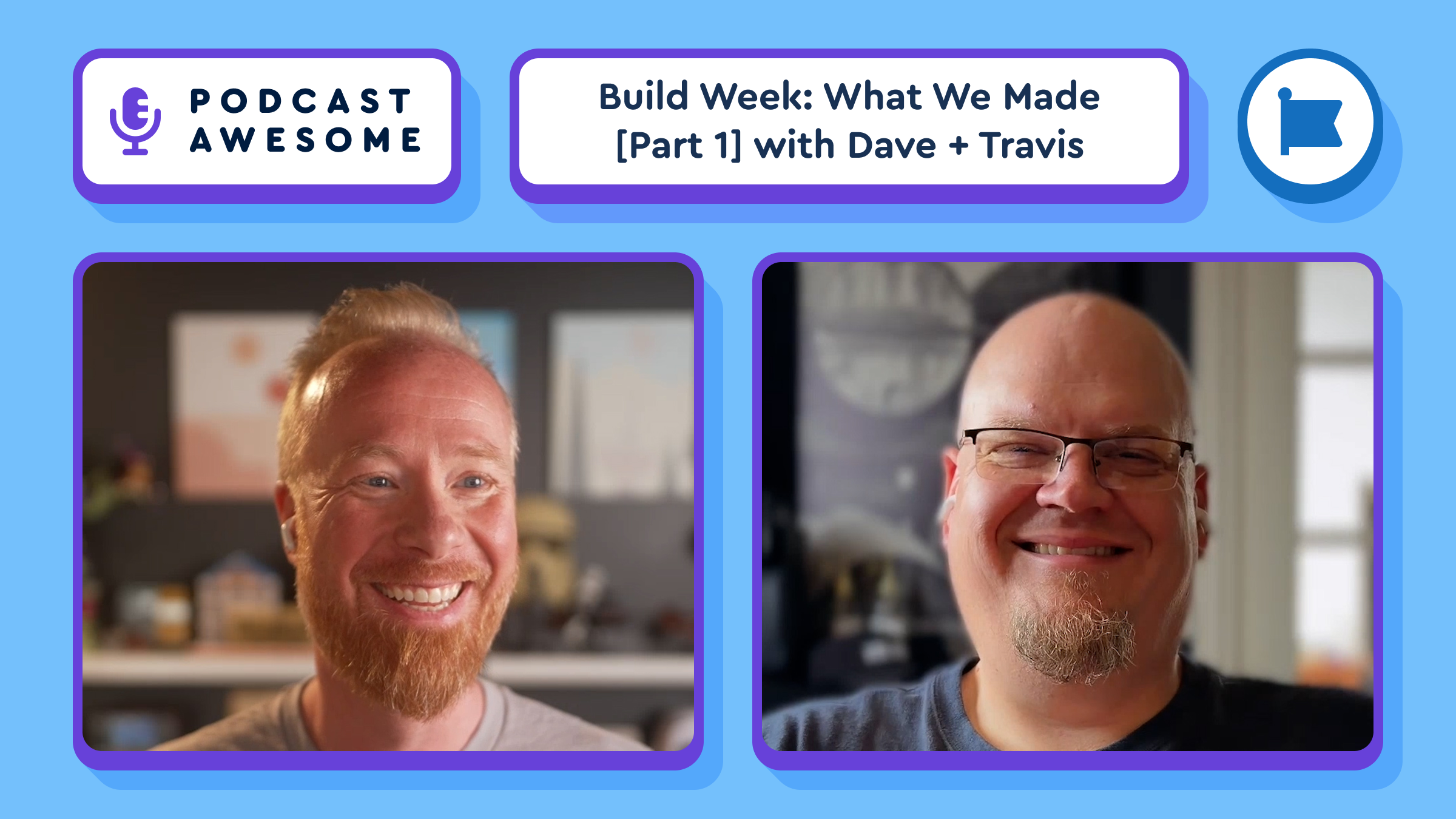
💻 AI side quests, but make it Snuggle. 🤖✨
In this episode, we’re fresh off the Snuggle (our company retreat) and talking about what happens when you give a curious team some time, space… and a bunch of AI tools. Travis and Dave join us to share how experimenting with tools like G-Stack, Spec-Kit, and Claude helped us explore ideas, prototype faster, and take on projects we normally wouldn’t have time for.
We get into the practical side of it all—what worked, what didn’t, and where AI actually fits into a creative workflow (without the hype). It’s part experiment recap, part philosophy, and part “what if we just tried it?”
Whether you're building products, designing systems, or just curious how AI can fit into your process, this one’s for you.
🎙️ What we cover in this episode:
⏱️ Timestamps:
00:00:00 – Welcome & Intro
00:01:59 – What are Snacktivites?
00:02:57 – Company Behaviors Framework
00:04:16 – Build Week Explained
00:05:00 – Travis's Thoughts on AI Shift
00:08:05 – Ethics Over Slop
00:08:31 – Education and Intent
00:11:47 – Using AI as a Force Multiplier
00:14:50 – Skills Files and Standards
00:21:10 – Tooling Roundup: G-Stack, Spec-Kit, and more
00:25:46 – Color Awesome Finale
00:27:45 – Wrap Up ... To Be Continued in Part 2
🔗 Links & resources:
Font Awesome: https://fontawesome.com/
Browse icons: https://fontawesome.com/icons
Kits: https://fontawesome.com/kits
Web Awesome: https://webawesome.com/
Credits:
🎵 Theme music by Ronnie Martin
🎶 Interstitials by Zach Malm
Stay up to date on all the Font Awesomeness!
Only 436M milliseconds left to get notified before launch: https://www.kickstarter.com/projects/fontawesome/build-awesome-pro?ref=15qir9
Collaborative Editing as Progressive Enhancement: https://www.11ty.dev/blog/collaborative-editing/
A plugin to use Vite as a development server and run Vite to postprocess your Eleventy build.
A plugin to use Vite as a development server and run Vite to postprocess your Eleventy build.
A plugin to use Vite as a development server and run Vite to postprocess your Eleventy build.
The future of dynamic editing on static web sites (without infrastructure lock-in!) is coming — and there are only 670M milliseconds left to get notified: https://www.kickstarter.com/projects/fontawesome/build-awesome-pro?ref=43ttgb
Official React Native component for Font Awesome
Parse front-matter from a string or file. Fast, reliable and easy to use. Parses YAML front matter by default, but also has support for YAML, JSON, TOML Front-Matter, with options to set custom delimiters. Used by metalsmith, assemble, verb and many other
Official React component for Font Awesome
We’re starting to ramp up final_FINAL_v2: sign up to be notified when it launches!
https://www.kickstarter.com/projects/fontawesome/build-awesome-pro?ref=81sqou
We’re starting to ramp up final_FINAL_v2: sign up to be notified when it launches!
www.kickstarter.com/projects/fon...
Coming soon: Build_Awesome final_FINAL_v2
A better way to build websites. Fast, flexible, and built to last.
Official Vue component for Font Awesome 7
Hey folks! Just popping in to say that if you were experiencing any issues with using Font Awesome today, those have been solved. Now you can get back to making something awesome!
A minimal, modern, generic, hot-reloading local web server to help web developers.
One of the most useful ideas that stuck out from @davegandy is that desperation to find a job can make people ignore bad signals. Standards in job hunting aren't a luxury. They’re part of self-respect.
Best line of thought from this one: if a company asks weird, dehumanizing questions in the interview process, that may be the trailer for the full This Might Be a Bad Place to Work movie.
Job interviews are not one-way mirrors. You’re allowed to look back. New episode of Podcast Awesome: how to interview a company, spot hiring red flags, and find teams built on trust.
Listen -> www.podcastawesome.com/209285...
Watch ->www.youtube.com/watch?v=1Tq7C...
Just a quick reminder for anyone job hunting:
You are not only being interviewed.
You are also interviewing the company.
Our latest Podcast Awesome episode is about spotting red flags, asking better questions, and finding teams built on trust. 🎙️
Watch -> https://www.youtube.com/watch?v=1Tq7C_8BRXc
Listen -> https://www.podcastawesome.com/2092855/episodes/18954751-hiring-is-a-two-way-street-here-s-what-most-people-miss
#hiring #careers #podcast
Job interviews aren’t just about proving you’re a fit — they’re about figuring out whether the company deserves you, too. 👀
In this episode, Matt chats with Font Awesome founder Dave Gandy about why hiring is a two-way street. They unpack the red flags candidates should watch for, what healthy companies actually look like, and how the interview process can reveal way more than a polished mission statement ever will.
Dave shares practical advice for job seekers on asking better questions, spotting dysfunctional hiring practices, and approaching the search with intention instead of desperation. They also dig into trust, team health, and why the best workplaces tend to value character just as much as capability.
Whether you’re job hunting, hiring, or just trying to avoid ending up in a workplace that feels like a corporate escape room, this episode has plenty to chew on. 😅
What we cover:
Why hiring should be a two-way evaluation
The biggest red flags in interview processes
What healthy organizations prioritize
Why trust matters more than pure talent
How to ask smarter interview questions
Why job seekers need a strategy, not just a stack of resumes
How to identify companies that are actually worth your time
Timestamps:
00:00 – Why hiring is a two-way street
02:00 – HR screenings, weird assessments, and early red flags
05:10 – Desperation in job hunting and why standards still matter
07:00 – What healthy companies really look like
09:20 – How to flip the script and interview the company
12:00 – Big companies, bad filters, and missing great candidates
16:00 – Why knowing yourself matters before you start looking
19:00 – Why spray-and-pray applications usually fall flat
21:00 – The value of being “double T-shaped” in your career
24:00 – Why the best opportunities often come through side doors
25:00 – Building relationships before you need a job
27:00 – How companies communicate values in the hiring process
29:00 – The one thing a company needs to do differently
30:00 – Wrap-up and outro
Credits:
Hosted by Matt Johnson
Featuring Dave Gandy
Produced and edited by Matt Johnson
Theme song by Ronnie Martin
Music interstitials by Zach Malm
Video editing by Isaac Chase
Watch this episode on YouTube
#Hiring #InterviewTips #JobSearch #CareerAdvice #Leadership #CompanyCulture #WorkplaceCulture #TechCareers #PodcastAwesome #FontAwesome 🚀
Stay up to date on all the Font Awesomeness!
Folks with WA accounts will see a new CDN tab for each of your projects.
The tab has installation instructions tailored to your project's settings with all of the styles and scripts you need for your project's theme and features.
We added similar instructions to the npm and Download tabs, too.
🎊 Big changes in our 3.5 release today!
Web Awesome is now available on our public CDN. No signup required. Just copy, paste, and go. 🚀
And, the icing on the cake 🍰: <wa-page> is now free for everyone. No Pro sub required.
Get started at https://webawesome.com/. Head to our changelog for everything new in 3.5.
A forward-thinking library of web components.
React specific wrapper for @fortawesome/fa-icon-chooser
Font Awesome Icon Chooser
Sign in to the fa command-line tool from your browser, with no tokens to copy and paste.
It uses the OAuth 2.0 device flow, so your clipboard gets the day off. See the Font Awesome packages docs to get set up.
Also, User Blender has big “this started as a fun side project and accidentally became super useful” energy, which is honestly one of my favorite categories of feature.
Watch → https://youtu.be/kdlj3-72f6Y?si=EjNpcZOpKL_To68r
Listen → https://www.podcastawesome.com/2092855/episodes/18882462
PostHTML plugin for transforming URLs. A fork of posthtml/posthtml-urls.
💐 We'll take potpourri for 400, please.
WA 3.4 includes over two dozen fixes and improvements, including:
🍱 Many new attributes for <wa-combobox>
⚖️ More space and font-size tokens
🖼️ Theme and color scheme syncing in <wa-zoomable-frame>
See the full list: https://webawesome.com/docs/resources/changelog#wa_340
A forward-thinking library of web components.
One especially nice detail: the color picker updates previews across search, categories, and kits, so you can see your icons in context without restyling them one by one.
Watch → youtu.be/kdlj3-72f6Y?...
New episode alert! 🎙️
Matt sat down with Ed and Frances to talk about 3 fresh Font Awesome updates:
→ PNG downloads for individual icons
→ A new global color picker
→ User Blender for custom user icons
Less converter nonsense. More tiny workflow wins.
Watch → https://youtu.be/kdlj3-72f6Y?si=iqNCVvD0vkGrEBAT
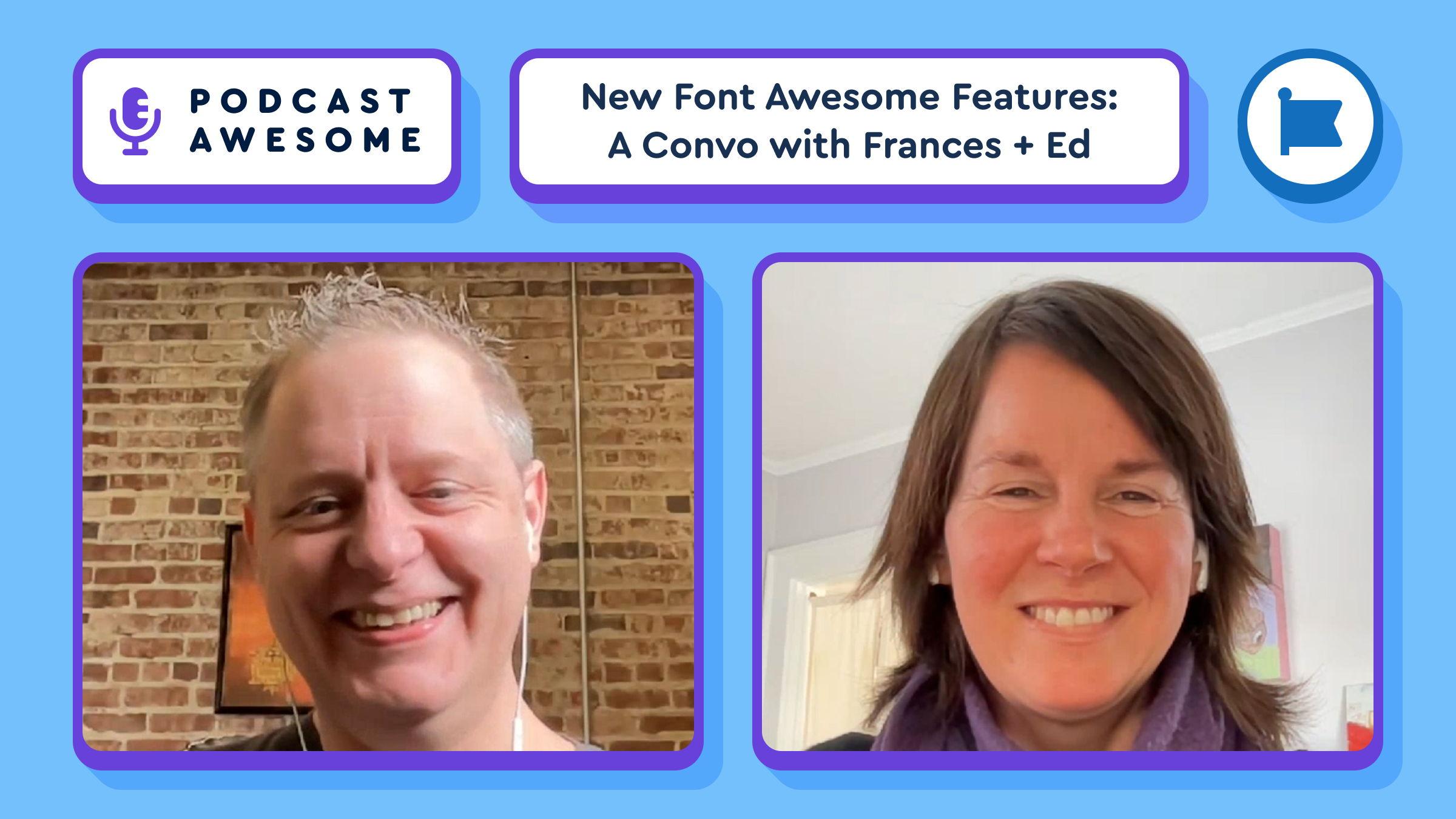
In this episode of Podcast Awesome, Matt sits down with Ed and Francis to talk through three newly shipped Font Awesome features that are small, practical, and just the right amount of fun. They dig into individual PNG downloads, a new global color picker for previewing icons in brand colors, and the wonderfully playful User Blender, which lets you mix and match heads, bodies, and styles to create custom user icons for your kit.
Along the way, they unpack the thinking behind each feature, how these updates connect to Icon Wizard and the broader Font Awesome 7.2 release, and why shaving off a few annoying workflow steps can make life noticeably better for designers and developers. There’s also an unexpected side quest into Ed’s cameo in his son’s YouTube channel, because apparently every product update deserves a B-plot. 🎬
If you want to actually see these features in action, there’s also an extended video version on YouTube with demos. But this audio-only episode still gives you the full behind-the-scenes story, the practical use cases, and all the delightful nerdery you’d expect from the Awesomeverse.
What We Cover in This Episode
Timestamps
00:00 Welcome to Podcast Awesome
00:20 Introducing the episode and today’s guests
00:45 The three new features: PNG downloads, color picker, and User Blender
01:10 Francis makes a Podcast Awesome debut
01:40 Looking back at Ed’s previous appearances and Icon Wizard history
02:10 Why individual PNG downloads were added
03:00 When and why someone might want PNG instead of SVG
04:10 The idea behind the new global color picker
05:00 Previewing brand colors across icon search results
05:40 Using the color picker on category pages and kits
06:10 Duotone controls, secondary colors, opacity, reset, and swatches
07:10 Reusing Web Awesome tools inside Font Awesome
07:50 How color settings carry over across different areas
08:20 How the color picker affects code snippets and icon styling
08:55 Meet User Blender
09:20 How randomizing and mixing custom user icons works
10:00 Available styles and future expansion plans
10:40 Why User Blender is both useful and toy-like in the best possible way
11:15 How the feature grew out of a snuggle and Icon Wizard success
12:00 A call for community creations and creative icon mashups
12:40 How these features fit into the Font Awesome 7.2 release
13:10 Ed’s unexpected acting career and his son’s YouTube side quest
14:00 Wrap-up and where to share your creations
YouTube episode with visual examples: https://youtu.be/NDsqZozkn3A
Font Awesome: https://fontawesome.com/
Browse Font Awesome Icons: https://fontawesome.com/icons
Learn about Kits: https://fontawesome.com/kits
Explore Web Awesome: https://webawesome.com/
Contact the team: hello@fontawesome.com
Theme music by Ronnie Martin: https://ronniemartin.org/
Interstitial music by Zach Malm: https://muzach.bandcamp.com/
BowziTV: https://www.youtube.com/@BowziTV
Stay up to date on all the Font Awesomeness!
📮 The Possum Mascot, now with additional Awesome
One more tasty late-Friday pre-release: Eleventy v4.0.0-alpha.7
https://github.com/11ty/eleventy/releases/tag/v4.0.0-alpha.7
A simpler static site generator.
Run Eleventy in your browser.
A few releases to round out the week:
- Import v1.0.19 https://github.com/11ty/eleventy-import/releases/tag/v1.0.19
- Fetch v5.1.2 https://github.com/11ty/eleventy-fetch/releases/tag/v5.1.2
- Feeds (RSS, Atom, JSON) v3.0.0 https://github.com/11ty/eleventy-plugin-rss/releases/tag/v3.0.0 (now ESM! option to prepare for XSLT polyfills)
Generate an Atom, RSS, or JSON feed.
Utility to import content from multiple services (and a CLI, too)
Official agent tools let Claude Code, Cursor, Copilot, and other AI assistants set up Font Awesome, suggest icons, and add them to your project.
Your AI coding assistant can now speak fluent Font Awesome. The docs got agent-friendly too, with a Markdown version of every page. These are the droids you're looking for, and they start in the AI agent tools docs.
Official React component for Font Awesome
Fetch and locally cache remote API calls and assets.
Out now: Eleventy (core) v3.1.5, solely an update to our downstream dependencies.
A simpler static site generator.
A fork of `recursive-copy`: Simple, flexible file copy utility
A fork of `recursive-copy`: Simple, flexible file copy utility
👀
You can just pluck one-off Web Awesome components to use as you please.
See how easy:
Node.js release schedule is changing with v27. Every major release will be LTS Long-Term Support: no more need to skip odd versions!
https://nodejs.org/en/blog/announcements/evolving-the-nodejs-release-schedule
Eleventy is becoming Build Awesome — and Zach Leatherman is here to explain what that actually means.
In this episode of Podcast Awesome, Matt has a chat with Zach about the Build Awesome Kickstarter, why this rebrand is part of building a sustainable future for the open source project, and what changes (and what doesn’t) for people already running Eleventy sites.
You’ll hear Zach break down the backwards compatibility promise, the Eleventy v3 → Build Awesome v4 upgrade path, and what Build Awesome Pro adds—especially for teams who want an easier publishing workflow and a smoother way for non-technical collaborators to edit content.
Plus: behind-the-scenes stories from filming the Kickstarter video in LA, including the cast/crew magic, a hot dog cake, and the origin story of the Awesome 'Possum.
🗒️ What We Cover in This Episode
🚀 Eleventy is becoming Build Awesome (and why Zach says this is the sustainable future of the project)
🧩 What changes vs. what stays the same (and the “no panic” promise)
🔁 Backwards compatibility: your existing Eleventy sites still work
⬆️ Upgrade path: what moving from Eleventy v3 → Build Awesome v4 looks like
🧰 What Build Awesome is (website generation that can be simple or powerful)
🧑🤝🧑 Build Awesome Pro: one-stop publishing + collab for non-technical editors
✍️ In-browser editing: fixing content directly on page w/o a separate CMS feel)
💸 Funding open source without burnout (+ why the “Font Awesome formula” works)
🎬 Kickstarter fun: filming in LA, cast/crew magic, and the cake/hot dog metaphor
🦝 Meet the Awesome 'Possum (mascot origins + brand homage)
🎁 How to support: tiers, swag, and where to go next
⏱️ Timestamps
0:00 - Cold Open: Build Awesome Kickstarter Announcement
0:08 - Eleventy → Build Awesome (What This Episode Covers)
0:40 - The Big News (Zach’s Announcement)
1:25 - Joining the Awesomeverse (and why it matters)
2:50 - Funding Open Source Without Burnout
4:20 - What Build Awesome Is (and who it’s for)
6:05 - Build Awesome Pro: Publishing + Collaboration Tools
7:20 - Backwards Compatibility: Your Eleventy Sites Still Work
8:10 - Upgrade Path: Eleventy v3 → Build Awesome v4
10:05 - Why Pro Features Make the Free Core Better
12:10 - In-Browser Editing: The “edit right on the site” experience
13:25 - Kickstarter Fun: Shooting the Launch Video in LA
15:40 - Cast, Crew, and the Cake/Hot Dog Metaphor
18:55 - Meet the Awesome Possum (Mascot Origins + Brand Homage)
20:40 - How to Support: Where to Go + Tiers + Swag
22:40 - Wrap-Up + What to Watch Next
Links & Resources
Stay up to date on all the Font Awesomeness!
New on the Blog: Eleventy is now Build Awesome https://www.11ty.dev/blog/build-awesome/
Just a little update in video form too: https://www.youtube.com/watch?v=EWqP9fX9xn4
So much gratitude to @sia for all the hard work on the excellent https://11tymeetup.dev/
So much gratitude to @sia.codes for all the hard work on the excellent 11tymeetup.dev.
11ty friends, I'm sad to announce that after nearly 5 years and 30 episodes, the 11ty Meetup is coming to an end. 🎈🐁
I've been contemplating this for a while and has nothing to do with Build Awesome. I need more time for my offline artistic pursuits.
RE: https://neighborhood.11ty.dev/@11ty/116183409030074529
This is a tough one... but we'll make it work.
This is a tough one... but we'll make it work.
Whew. What a week. We have some hard but important news to share about the Kickstarter: blog.fontawesome.com/pausing-kick...
We’ll be back soon!
Whew. What a week. We have some hard but important news to share about the Kickstarter: https://blog.fontawesome.com/pausing-kickstarter/
We’ll be back soon!
Eleventy 👉🏻 Build Awesome.
On this episode of Podcast Awesome, Zach Leatherman explains what changes, what stays compatible, and how the v3 to v4 upgrade works (without making it weird).
www.youtube.com/watch?v=QnnU_...
Eleventy users: anything you’re worried might break?
Eleventy is becoming Build Awesome! On this episode of Podcast Awesome, Zach Leatherman walks through what’s changing, what stays compatible, and how the v3 to v4 upgrade works.
If “rebrand” ruffles your feathers, this one should lower your blood pressure.
Watch: https://www.youtube.com/watch?v=QnnU_iguZ4I
Question for Eleventy folks: what’s your first “wait… but what about ___?”
🎂 Web Awesome 3.3 is fresh out of the oven with:
🍩 *New* charts like <wa-doughnut-chart> and <wa-pie-chart> (Pro)
🍞 *New* <wa-toast> (Pro)
🗒️ *New* recipes for app pages in our pattern library
✏️ Support for FA 7.2 (including new Graphite icon pack) in <wa-icon>
🧁 Sprinkles of fixes and bite-sized improvements
🍰 *Plus* some extra sweetness with @11ty on Kickstarter 👀
Dig in: https://webawesome.com/docs/resources/changelog#wa_330
Build Awesome: the recipe for websites that don’t go stale.
Static by default + durable HTML + no database drama.
Want team workflows? Pro adds collaboration + publishing tools.
Back the Kickstarter → www.kickstarter.com/projects/...
Build Awesome is live!
Static by default. Durable HTML. No DB required. Host anywhere.
And Pro adds team-friendly workflow tools (collab, templates, publishing, safer edits).
Back it on Kickstarter → https://www.kickstarter.com/projects/fontawesome/build-awesome?ref=6k4d2h
A forward-thinking library of web components.
RE: https://mastodon.social/@fontawesome/116168188423525000
Incredible! Y’all are *amazing*!
https://www.kickstarter.com/projects/fontawesome/build-awesome
Incredible. Y’all are *amazing*
www.kickstarter.com/projects/fon...
🚀 100% FUNDED! 🚀 Thank you for backing Build Awesome! Your support means the world to us.
Want to unlock new levels of awesomeness? Spread the word, and thanks for putting the "awesome" in Build Awesome!
www.kickstarter.com/projects/fon...
🚀 100% FUNDED! 🚀 Thank you for backing Build Awesome! Your support means the world to us.
Want to unlock new levels of awesomeness? Spread the word, and thanks for putting the "awesome" in Build Awesome!
https://www.kickstarter.com/projects/fontawesome/build-awesome?ref=3e9a7n

Backing Build Awesome isn’t just early access, it’s funding open source maintenance so the core stays free + keeps getting better for everyone.
Let’s help stock the pantry for everybody!
https://www.kickstarter.com/projects/fontawesome/build-awesome?ref=3e9a7n
Build Awesome is live on Kickstarter! Aaand backing it helps fund the unsexy but vital part of OSS: maintenance. Keep the core free, unlock community goals!
www.kickstarter.com/projects/fon...
The ’possum is roaming wild: Eleventy is becoming Build Awesome.
Same open source core, a much bigger future. Watch our fun video and back us on Kickstarter: https://www.kickstarter.com/projects/fontawesome/build-awesome?ref=b4hezh
Did you hear? Eleventy is becoming Build Awesome!
And yes. We're featuring a Kickstarter video with the Awesome-verse cast you know and love.
→ Same open-source core.
→ Optional Pro tools.
→ Much bigger future.
Back the Kickstarter!
https://www.kickstarter.com/projects/fontawesome/build-awesome?ref=b4hezh
👀
One day.
We didn’t add more ingredients.
We fixed the recipe.Fast by default, calmer to maintain, and built to last after it’s baked.
Full reveal tomorrow.
www.kickstarter.com/projects/fon...
Just 1 day left.
Tomorrow we’re announcing something deliciously awesome you don’t want to miss! Ingredients you already trust for building awesome websites.
PLUS a better recipe for how they come together.
→Fast by default.
→Durable after launch.
→Easier to live with once baked.
Tomorrow, we’re pulling something awesome outta the oven!
https://www.kickstarter.com/projects/fontawesome/build-awesome
One day.
We didn’t add more ingredients.
We fixed the recipe.
Fast by default, calmer to maintain, and built to last after it’s baked.
Full reveal tomorrow.
www.kickstarter.com/projects/fon...
3 days left.
You’ve got all the ingredients to cook up an awesome site.
So why do so many websites still ship fragile, bloated, or already stale?
We’ve been quietly tweaking a recipe for sites that are fast by default and easier to maintain after launch.
The oven timer’s almost up.
https://www.kickstarter.com/projects/fontawesome/build-awesome
Three days.
You’ve got all the right ingredients, but shipping a website still feels harder than it should.
We’ve been working on a better recipe: fast by default, durable over time, so you’ve got a site that’s easy to tweak once it’s baked.
www.kickstarter.com/projects/...
A new top nav lets you jump between Font Awesome, Web Awesome, and the rest of the family from anywhere on the site.
Font Awesome is more than one product these days, so the navigation now spans all of them. No fellowship required.
Preview every icon in any color, then download it as a PNG or SVG in that color.
Pick a color from icon search or the icon detail view to preview every icon in that shade, then download any icon as a PNG or SVG in your chosen color.
Let’s say you’ve got all the ingredients to build an awesome site, the problem is … the “kitchen” is on fire.
Welp, behind the scenes, we're quietly baking up something new. Tools to build faster, sturdier websites that don’t go stale six months later.
Something awesome is coming out of the oven soon!
Give any custom icon you've uploaded to a Kit a new name.
Named an icon final-final-v2 in a hurry? Open the Kit and give it the name it deserves.
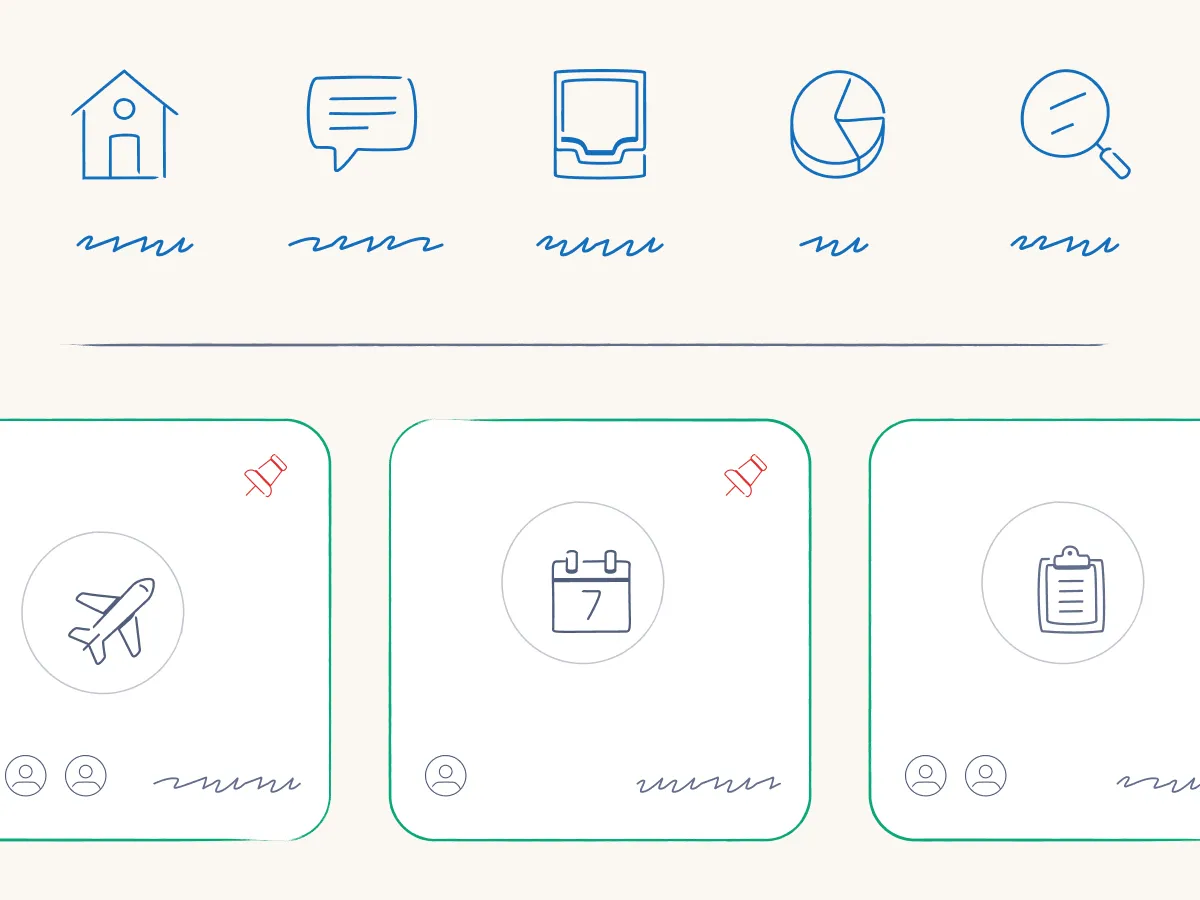
Graphite is a hit for anyone building “notes / learning / planning” UIs. ✏️📓
Hand-drawn icons change the tone of an interface instantly without rewriting a single word. What kind of site will you be adding these to?
fontawesome.com/icons/packs/...
“Icons were how I understood the world.”
I did not expect to get feelings from an icon pack episode and yet here we are.
A detail we loved from this episode: Graphite intentionally pushes against the “every point must be perfectly refined” mindset. Sometimes the point is the person showing up in the work.
Watch → https://youtu.be/uE1vFl3BRGw?si=7CZFTvn9vzoiqoHg
Listen → https://www.podcastawesome.com/2092855/episodes/18714864
The “open-ended icon brief” problem is real: unlimited options = the instant internal chaos train starts chugging along. Don't worry though. It'll be OK!
That’s why constraints are basically creative seatbelts.
Watch → youtu.be/uE1vFl3BRGw?...
Listen → www.podcastawesome.com/2092855/epis...