Update: at time of writing Eleventy core (0.x, 1.x, 2.x, 3.x, 4.x prereleases) and our official plugins are still unaffected.

(Compromised package count was updated to 834 from 533 in the latest @socket.dev update)

⚠️ Major Update on the Shai Hulud v2 campaign:

We’ve confirmed 834 malicious packages and now see spillover into Maven Central. The package org.mvnpm:posthog-node:4.18.1 contains the same Bun-based payload used in the npm compromise.

Updated analysis →
socket.dev/blog/shai-hu... #Java

— Socket (November 25, 2025 at 6:43:46 PM UTC)

Andy Maier on Curiosity, Creativity, and the Force That Binds It All

🎬 What do Star Wars, oil painting, and storytelling have in common?
 
Turns out: everything. In this curiosity-fueled episode, filmmaker and multi-hyphenate creative Andy Maier (Soon Agency) joins host Matt Johnson to talk about building a life powered by relentless learning, visual storytelling, and the kind of curiosity that launches careers 🚀.

From working with Apple, SpaceX, and Microsoft to touring in his metal band Opponent and picking up oil painting during a creative pivot — Andy is the living embodiment of “just figure it out.” 💥🎨🧠
If you've ever felt like the underdog creative, this one’s for you. Andy drops storytelling gems faster than Yoda lifts an X-Wing.

🎸 Fun fact: Andy composed the metal version of the Font Awesome theme song in a single day. That’s some serious Jedi speed 🤘.

🎙️ What We Cover in This Episode
🤖 Why being curious is better than being talented
🎥 How oil painting made Andy a better compositor
🧱 The concept of “armature” and why your story collapses without one
🌱 Why telling the truth is the best brand strategy
🤝 The power of surrounding yourself with curious people
✨ Building "wells, not fences" in your creative career
⚔️ Star Wars, Iron Giant, and the real meaning of “The Force”

⏱️ Timestamps
 00:00 – Welcome to Podcast Awesome
 01:00 – Meet Andy Maier: Creative Jedi & Founder of Soon
 02:30 – Early creative career and figuring it out on the fly
 05:15 – The underestimated power of curiosity
 08:20 – From DIY music videos to working with Apple and SpaceX
 10:45 – Why storytelling is better than trends
 13:30 – Building a creative life around community and friendships
 16:00 – How oil painting made Andy better at... everything
 19:00 – The merch moment: painting turned t-shirt design
 22:00 – What’s real? How to build grounded storytelling
 26:30 – Invisible Ink, Brian McDonald, and story armature 101
 32:00 – Why Marvel’s Phase 4 struggles (and what X-Men got right)
 34:00 – Star Wars, Joseph Campbell, and unlocking “the Force”
 37:45 – Where to find Andy and his work
 38:30 – Bonus: The origin of the metal FA theme song 🤘

🔗 Links & Resources
 🔥 Andy’s work – https://www.soon.agency
 🎶 Andy’s band Opponent – https://www.solidstaterecords.com/opponent
 📖 Invisible Ink by Brian McDonald – https://shorturl.at/E9101
 🖖 Font Awesome’s Heavy Metal Icon Episode – https://www.youtube.com/watch?v=8FlsrtKCI1Y
 🎧 More Podcast Awesome episodes – https://podcastawesome.com

 #PodcastAwesome #StorytellingMatters #CreativeJedi #VisualStorytelling #FilmmakerLife #MotionGraphicsArtist #DesignNerds #FontAwesome #CuriosityWins #InvisibleInk #CreativeProcess #OilPaintingForDesigners #BuildWellsNotFences #NerdCulture #MetalVibesOnly #StarWarsStorytelling #MakeSomethingAwesome

Stay up to date on all the Font Awesomeness!
There is an ongoing npm security event.

At time of writing, Eleventy core and our official suite of plugins are unaffected.

🚨 A new wave of the Shai-Hulud supply chain attack has hit npm, impacting packages across widely used projects from AsyncAPI, ENS, Postman, PostHog, and Zapier. Attackers added a malicious preinstall script following account compromise. The investigation is ongoing:

socket.dev/blog/shai-hu...

— Socket (November 24, 2025 at 1:38:09 PM UTC)

@11ty/gray-matter@2.0.1

Parse front-matter from a string or file. Fast, reliable and easy to use. Parses YAML front matter by default, but also has support for YAML, JSON, TOML Front-Matter, with options to set custom delimiters. Used by metalsmith, assemble, verb and many other

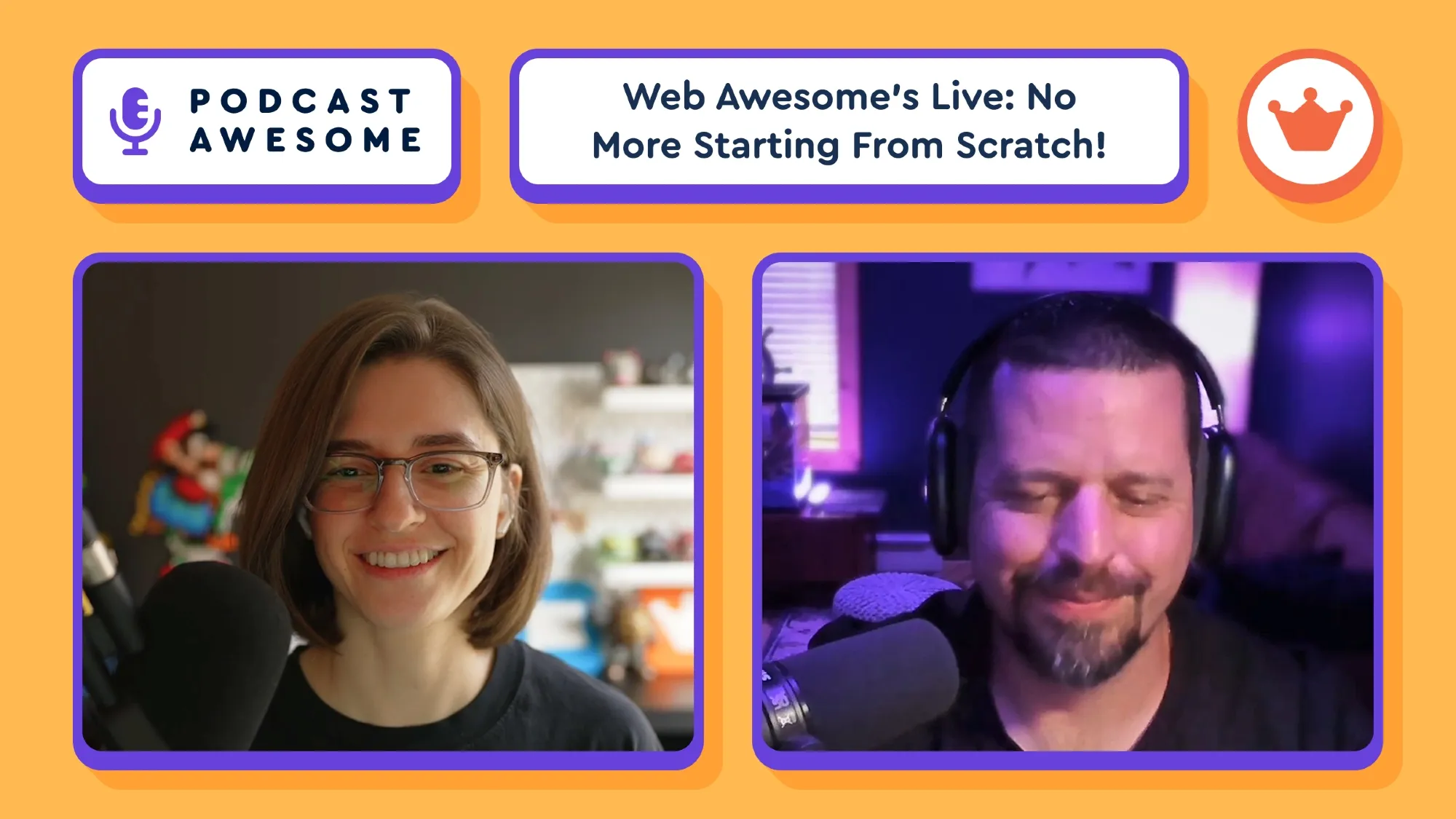
Web Awesome Has Landed: Here’s How to Stop Starting From Scratch

**Episode Summary
**
What does it really take to ship something as powerful, polished, and downright magical as Web Awesome? In this episode of Podcast Awesome, Matt sits down with Lindsay and Cory, the dynamic duo behind the official launch of Web Awesome. Together, they peel back the curtain on how the team brought a customizable design system to life (without summoning any cursed CSS incantations).

From the slick Theme Builder to the deeply thoughtful Figma integration, from production-ready patterns to future-forward prototyping dreams, this convo is packed with insights for devs, designers, and nerds of all kinds. Get the scoop on stretch goals, community feedback, and why starting with a “sh*tty first draft” is actually a power move.

Oh! And they may or may not be plotting a future where we don’t even need Figma anymore. Gasp!

What We Cover in This Episode:

🛠 The design magic behind the Theme Builder
🎨 Patterns and why you shouldn’t reinvent the checkout form
🧩 The current state of Figma files — and where they’re headed
🧪 Bridging the gap between prototyping and real code
🔮 A sneak peek at future stretch goal components (hello, toasts and video!)
⚡ How Web Awesome + Eleventy = your new dream dev stack
🗣 Why your newbie feedback matters more than you think

**Timestamps
**
00:00 – Welcome & introductions
01:45 – Life after launch: relief or revving up?
03:30 – Making the Theme Builder powerful and friendly
05:40 – Patterns that just work (and why that's a good thing)
07:30 – Balancing usability and delightful surprises
08:15 – Figma files, MVP vibes, and real feedback
10:20 – The future of theming via Figma plugins
12:00 – Stretch goal components: what’s shipped and what’s next
14:30 – Why prototyping with code might replace Figma
16:45 – Web Awesome meets Eleventy: the ultimate team-up
19:00 – Templates, page builders, and lowering the barrier to entry
20:30 – Why new users’ feedback is gold
22:00 – How to connect with the team & share your experience

**Links & Resources
**
🌐 [Web Awesome](https://webawesome.com)
📣 [Join the Community](https://webawesome.com/community)
🧵 [GitHub Discussions](https://github.com/webawesome/webawesome/discussions)
📬 Email: [help@webawesome.com](mailto:help@webawesome.com) / [hello@webawesome.com](mailto:hello@webawesome.com)
💬 Join us on Discord – link on the community page!
🧠 Learn more about [Jacob’s Law](https://lawsofux.com/jakobs-law/)
🎁 Don’t forget: 20% off Web Awesome Pro until Nov 19th!

Stay up to date on all the Font Awesomeness!
Teams

Invite teammates to your account and give each one a role: owner, admin, editor, or billing.

Font Awesome is better with friends. Invite teammates from the Team tab in your account, and they get their own sign-in on your plan. No more passing one password around the office.

  • Owners have full control and can make another teammate an owner.
  • Admins can do everything an owner can, except make someone an owner.
  • Editors manage Kits and tokens, but not billing or the team.
  • Billing folks handle invoices and payments, and nothing else.

Email Preferences

Turn our marketing emails on or off from your account settings, without missing account emails.

Pick the emails you want from the Email Preferences section of your account settings. Unsubscribing from marketing emails never stops the important ones, like password resets and overage alerts, so you won't miss anything that matters.

WordPress Just Got Awesome (Again) – Font Awesome Plugin v5 Deep Dive with Mike Wilkerson

Episode Summary:

We're heading back to the basement — (sort of). In this episode, Matt catches up with Mike Wilkerson, the OG guest of Podcast Awesome, to unveil the biggest update yet to the official Font Awesome WordPress plugin. From block editor visual support to full-on SVG injection wizardry (yes, that’s a thing), this version is all about giving developers and designers more power, more precision, and fewer plugin conflicts.

Whether you’re a WordPress purist or a page builder rebel, you’ll walk away knowing how to get your icons looking sharp, staying pro, and loading like a dream.

🧠 What We Cover in This Episode:

  • 🔌 The origin story of the plugin (and the furnace that helped launch it)
  • 🧱 Full block editor visual editing support (finally WYSIWYG!)
  • 🛠️ SVG injection + self-hosting benefits
  • 🛡️ How to squash plugin conflicts like a pro
  • 🔍 Page builder struggles—and what might be coming next
  • 🤝 How to send feedback to actual humans™ at Font Awesome

⏱️ Timestamps:

00:00 – Basement beginnings & podcast nostalgia
 02:00 – WordPress + Font Awesome: how widespread is it?
 04:00 – Why Version 5 is a game-changer
 06:00 – How inline SVGs improve performance and reduce conflict
 08:00 – Self-hosting benefits & advanced options
 10:00 – When to load (or not load) your kit
 12:00 – Compatibility tips for older content
 14:00 – What’s next for FA + WordPress
 16:00 – How to give feedback to actual humans™

🔗 Links & Resources:

  • Official Font Awesome WordPress Plugin
  • Using Kits with WordPress
  • Conflict Detection & Troubleshooting
  • Email us: hello@fontawesome.com

Stay up to date on all the Font Awesomeness!
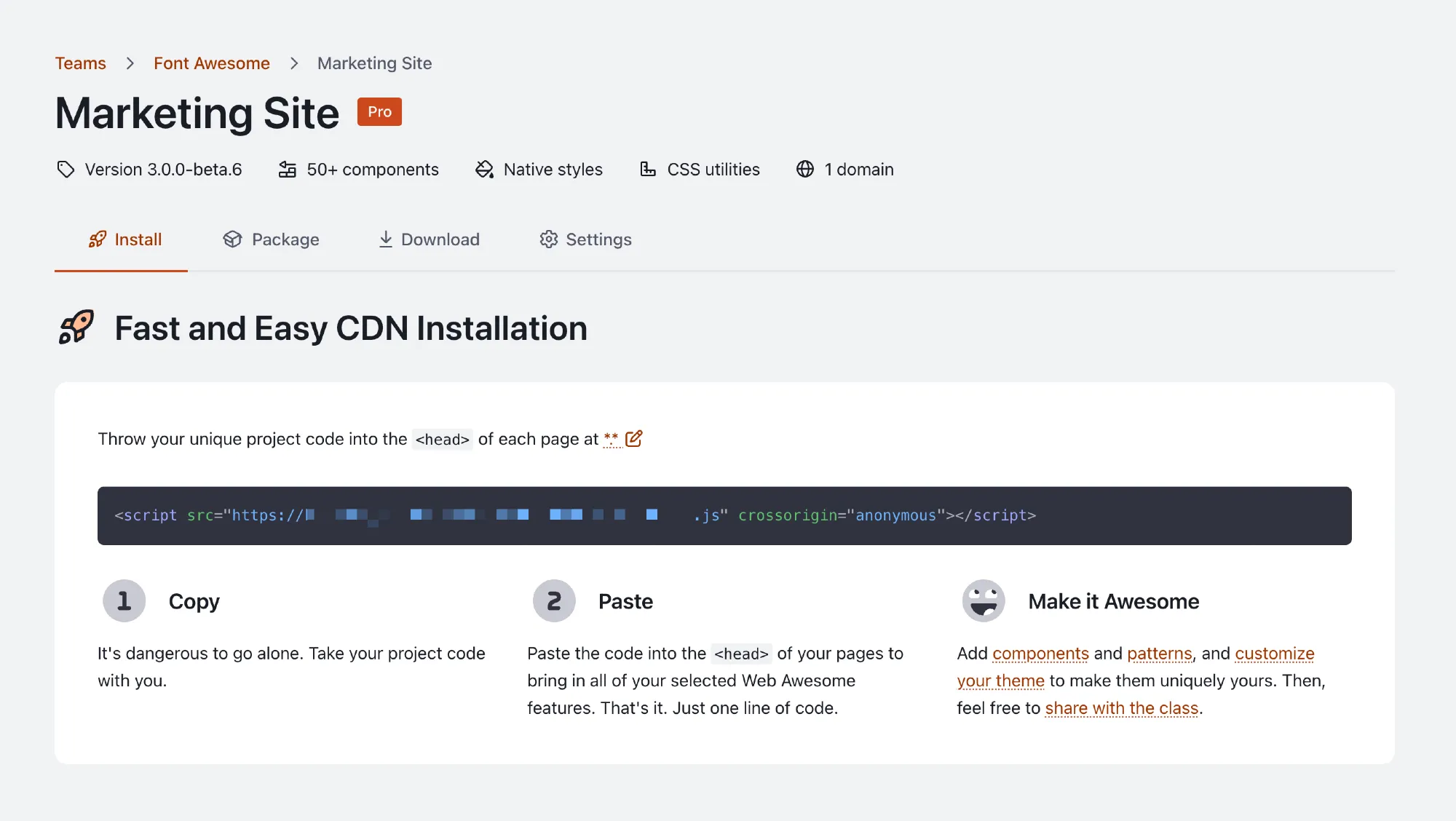
Wondering why your Kit pageviews are mysteriously high?

In Part 1 of our "Doing More with Font Awesome" series, we cover how to:

→ Understand and track Kit usage
→ Identify where those views are coming from
→ Lock it down like a domain wizard 🔐🪄

🎥 Watch the screencast! youtu.be/frdlstifJIQ?...

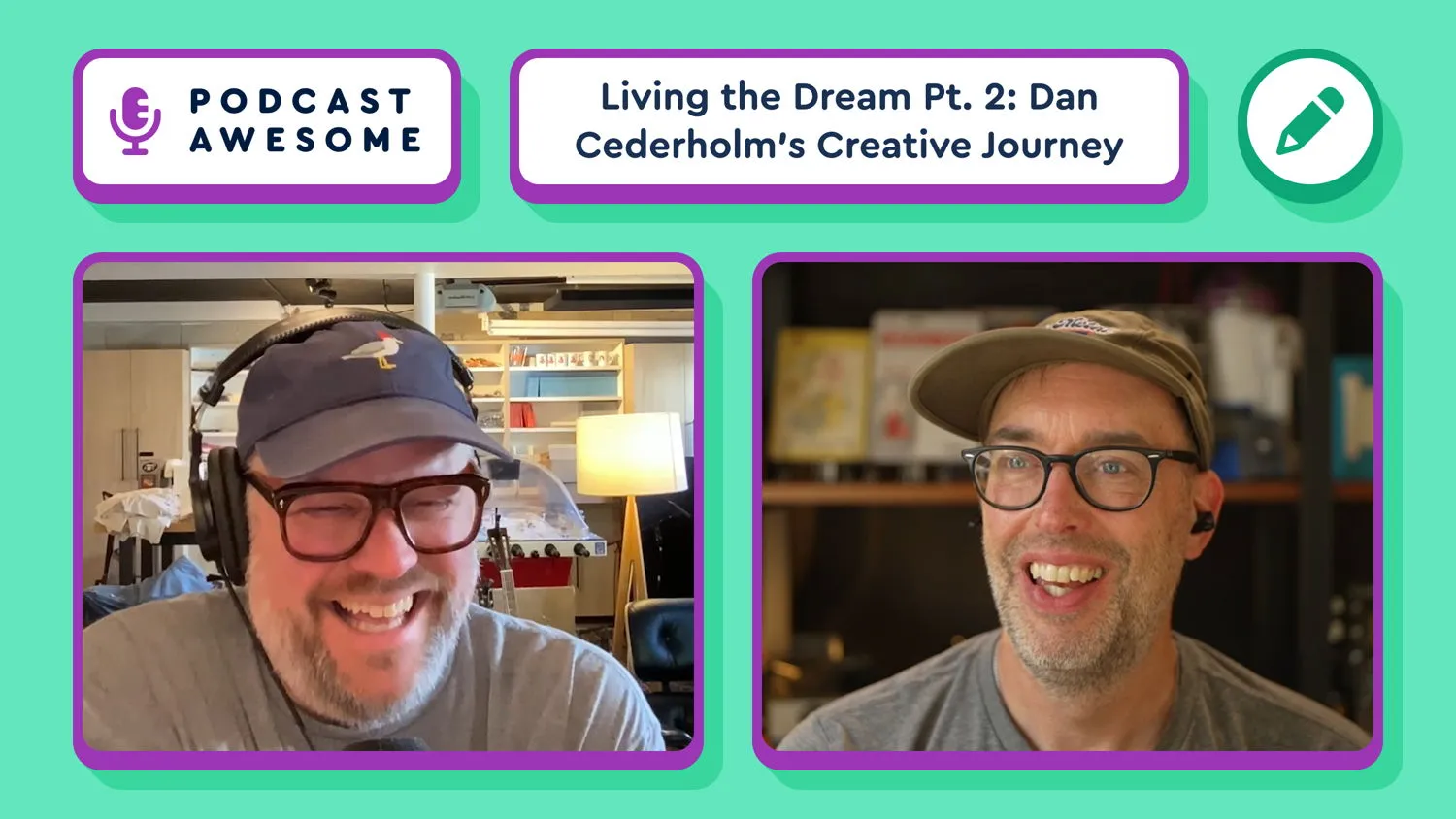
Living the Dream: Dan Cederholm's Creative Journey [Part 2] | Podcast Awesome

🧠 What do LEGO logos, hand-puppet dreams, citrus gadgets, and naming things "Turbo" have in common? They're all part of Dan Cederholm’s design universe — and part of this wide-ranging, joy-filled second half of our conversation.

In this episode, Dan returns to talk about:
 • Embracing constraints as a creative fuel source
• Naming fonts after misspelled words (because ... domains)
• The delightful hellscape of naming anything in tech
• Why imposter syndrome might actually be useful
• And how a puppet changed everything at Font Awesome 🧡

🎧 It’s a show-and-tell episode full of unexpected design wisdom, warm fuzzies, and orange peelers.

What We Cover in This Episode:
• 🧠 Dan’s creative process: one font at a time
• 🚫 Naming things is still the hardest problem in tech
• 🐀 The birth of the Font Possum Puppet
• 🧃 The power of a really good citrus squeezer
• 🤖 Why AI can’t fake taste (yet)
• 💌 Why Dan's newsletter works (and yours could too)
• 😵‍💫 Making peace with imposter syndrome
• 🧩 Why being weird is a superpower

⏱️ Timestamps
00:00 – Intro
01:15 – The creative process of typeface design
04:04 – Naming fonts is a nightmare
06:05 – The importance of naming & branding
12:25 – Imposter syndrome in the creative industry
18:15 – A puppet changed everything
22:31 – Why a newsletter is like old-school blogging
29:03 – Orange peelers, joy, and the power of small specificity
37:17 – The impact of creativity
38:14 – Building community through creativity
41:16 – Wrap up with Dan Cederholm
42:24 – Final Thoughts & Credits

📌 Links & Resources
• Dan Cederholm → https://simplebits.com
• Dan's newsletter → https://simplebits.com/newsletter
• Turbo Typeface → https://simplebits.com/fonts
• Font Possum cameo → [FontAwesome YouTube Channel]
• BrickLink Studio (Lego design app) → https://www.bricklink.com/v3/studio

Stay up to date on all the Font Awesomeness!
Web Awesome is, and always will be, free and open source.

We offer a Pro option to sustain the open source project. Pro gets you professionally designed themes, curated color palettes, an ever-expanding pattern library, a theme builder, a powerful CDN, and much more!

Living the Dream: Dan Cederholm's Creative Journey (Part 1)

Summary

Designer, author, and co-founder of Dribbble, Dan Cederholm joins Podcast Awesome to chat with Matt Johnson and Jory Raphael about finding joy in creativity later in life, making fonts just for fun, and the art of embracing imperfection. From typefaces and merch to dice games and design detours, Dan shares how side projects, constraints, and a healthy dose of curiosity keep the creative spark alive.

This two-part conversation is full of laughter, nostalgia, and lessons about learning new things just because they’re fun. You’ll walk away inspired to make something— anything — awesome.

Key Takeaways

  • Creativity thrives in curiosity: Dan reminds us that learning new things (even outside your job) can reignite your creative energy.
  • Constraints fuel originality: Sometimes not knowing everything — or having limited tools — can sometimes help create the most human, interesting work.
  • Merch can tell a story: From fonts to dice games, playful side projects become part of a designer’s personal brand.
  • Imperfection = personality: The best designs often come with flaws that make them real, memorable, and relatable.
  • Spend time not doing your job: Font Awesome’s team philosophy — creativity grows when you step outside your usual sandbox.

Timestamps

  • 00:00 — Introduction and catching up with Dan Cederholm
  • 02:00 — Typefaces as creative puzzles
  • 06:00 — The joy of passion projects
  • 10:00 — The first font and lessons from “Chameleon”
  • 18:00 — The lineage of icon design and learning from imperfection
  • 26:00 — Failures, Field Notes, and finding the next fun thing
  • 30:00 — Creative constraints and the beauty of not knowing everything
  • 36:00 — Humor, joy, and “making stuff that makes you laugh”
  • 38:00 — The icons that exist just because they’re funny
  • 42:00 — Hidden glyphs, zombie hands, and bonus icons in fonts
  • 44:00 — Wrap-up and where to find Dan online

Related Links

  • SimpleBits.com
    — Dan’s home for fonts, merch, and creative experiments
  • Dan’s Newsletter
    — The one Font Awesome staffers never skip
  • Dribbble
    — Co-founded by Dan, still inspiring designers everywhere

Credits

Produced and edited by Matt Johnson
Video editing by Isaac Chase
Theme music by Ronnie Martin
Interstitial music by Zach Malm

Stay up to date on all the Font Awesomeness!
How We Built Web Awesome with 11ty (and Why It’s So Fast)

Build once, run everywhere.
In this full-nerd, front-end-leaning episode of Podcast Awesome, Matt sits down with Zach Leatherman (creator of Eleventy) and Konnor Rogers (Web Awesome developer) to chat about how a static site generator just might be the key to building some of the most powerful, performant documentation on the web.

We dig deep into Eleventy’s evolution, Web Awesome’s hybrid architecture, and how a team of devs found a way to keep docs fast, flexible, and secure — without rewriting everything from scratch or giving up on open source values. Spoiler: they didn’t go full ExpressJS for fun.

Whether you’re a seasoned dev or a newb, this one's packed with insight, edge-case explorations, and some seriously satisfying build-time nerdery.

In this episode, we explore:

⚡️ Why Eleventy’s simplicity still scales
 🧠 Making static sites feel dynamic (without a heavy JS framework)
 🔐 How Web Awesome handles auth + private docs with minimal friction
 🚫 Avoiding vendor lock-in and runtime gotchas
 📦 The future of Eleventy in browsers, edge runtimes, and beyond

Pull up your terminal. This one’s for you.

🔗 Links & Credits

Stay up to date on all the Font Awesomeness!
7.1.0

A new Pro+ pack, Utility, plus new icons and caret icons back at their version 6 size.

Added

  • New Pro+ icon pack: Utility!
    • The new pack offers a curated set of the 200 most commonly used icons for app and website design. Available with a Pro+ subscription.
    • Now available in 3 families: Utility, Utility Duo, and Utility Fill.
  • We added some new icons, including:

    • the tor-browser logo,
    • a compelling newpump-impeller icon,
    • a gnarly new hand-shaka icon,
    • a weighty new kettlebell icon,
    • a mercurial new foot-wing icon,
    • a collared new chemex icon,
    • and an im-press-ive new aeropress icon.

Fixed

  • Fixed a number of icon-related issues:
    • Removed some errant vertices in the Light style of our certificate icon.
    • Re-filled the heads of the people in Solid and Duotone styles of our screen-users icon.
    • Actually unlocked the lock of our school-unlock icon in Duotone Solid and Sharp Duotone Solid.

Changed

  • Reverted our caret icons back to smaller Version 6 proportions, and added new caret-large icons.